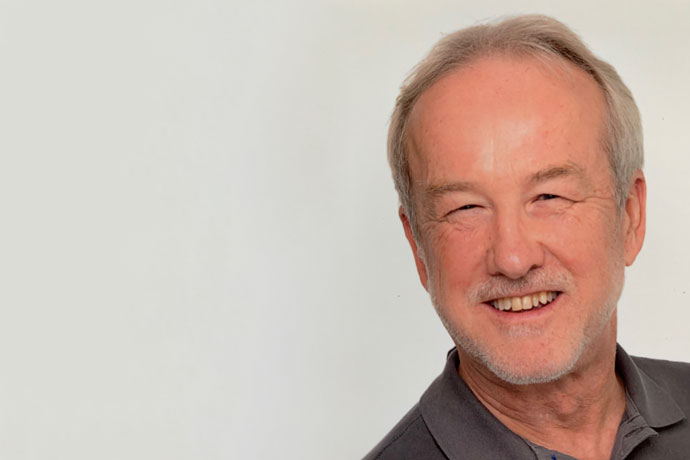
Prof. Dr. Günter Neumann
Organisationseinheit
Sprachtechnologie und Multilingualität
Adresse
(Berlin)
Adresse
(Saarbrücken)
Gebäude D3 2Stuhlsatzenhausweg 366123 Saarbrücken
Publikationen
Alle PublikationenProfil
Kurzbiografie
Günter Neumann ist wissenschaftlicher Mitarbeiter und Research Fellow am DFKI und Professor für Computerlinguistik an der Universität des Saarlandes. Neumann arbeitet am Forschungsbereich Sprachtechnologie und Multilinguialität am Deutschen Forschungszentrum für Künstliche Intelligenz (DFKI) mit.
Er studierte Informatik, Computerlinguistik und Künstliche Intelligenz und promovierte 1994 in Informatik und 2004 mit der Venia Legendi in Computerlinguistik, beides an der Universität des Saarlandes.
Im Jahr 2014 wurde er von der Universität des Saarlandes zum apl. Professor ernannt. Er hat in verschiedenen Bereichen der Computerlinguistik und Künstlichen Intelligenz gearbeitet und umfangreich publiziert. Zusammen mit seinen Teammitgliedern hat er erfolgreich an zahlreichen internationalen wissenschaftlichen Wettbewerben im Bereich der sprachübergreifenden Fragebeantwortung, des textuellen Entailments und der Faktenverifikation mit sehr guten Ergebnissen teilgenommen (z. B. Top-Platzierungen ihrer Systeme bei CLEF, TAC und Fever 2.0).
Günter ist Mitglied des ständigen Begutachtungsausschusses der Transactions of the Association for Computational Linguistics (TACL).
Er war Mitglied in mehreren Programmkomitees für internationale Konferenzen (z.B. AAAI, ACL, EACL, NAACL, Coling, EMNLP, LREC) und Workshops zu den Themen Natural Language Parsing, Text Analytics und ontologiebasierte Informationsextraktion. Günter war Gastforscher in Stanford, CMU und M.I.T.
Er verfügt über mehr als 30 Jahre Berufserfahrung in der Entwicklung von Forschungssoftware und hat mehrere staatlich (EU und national) und industriell geförderte Projekte im Bereich Sprachtechnologie, Informationsextraktion, Textanalyse und Fragebeantwortung geleitet.
AtLaS
AI-based Natural Language Processing of Low-Quality and Multilingual Data in Defence Applications with User AdaptationDas AtLaS-Projekt, das sich auf die Weiterentwicklung der Sprachtechnologie im Verteidigungsbereich konzentriert, kombiniert künstliche Intelligenz (KI) und natürliche Sprachverarbeitung (NLP), um…

PERKS
Eliciting and Exploiting Procedural Knowledge in Industry 5.0Das PERKS-Projekt unterstützt die ganzheitliche Steuerung von industriellem prozeduralem Wissen (PK) in seinem gesamten Lebenszyklus, von der Erhebung bis zum Management und vom Zugang bis zur…

DAM-S
Semantische Suche für das "Meere Online"-Portal der Deutschen Allianz MeeresforschungEntwicklung einer semantischen, KI-gestützten Suchfunktion für das Portal "Meere Online" für die Deutsche Allianz Meeresforschung (DAM)
PRECISE4Q
Personalised Medicine by Predictive Modeling in Stroke for better Quality of LifeDer Schlaganfall ist eines der schwerwiegendsten medizinischen Probleme mit weitreichenden gesundheitlichen und sozioökonomischen Auswirkungen, welches in einer alternden Gesellschaft an Dynamik…

iREAD
Personalised Reading Apps for Primary School ChildrenDas übergreifende Ziel des Projektes iREAD ist die Entwicklung einer Software-Infrastruktur von personalisierten, adaptiven Technologien und einer vielfältigen Menge von Anwendungen zur Unterstützung…